

The Setup: 6 Websites, 1 Person
This is not a theoretical framework. It is a working system managing six live websites across different industries: an AI news publication, a free course platform with 4,500+ learners, a fitness association, a consulting blog, a developer portfolio, and a digital library.
Previously, keeping all six updated required constant context-switching between content creation, SEO analysis, social media, email campaigns, and code deployments. The kind of workload that typically requires a small team.
Today, AI agents handle the majority of that execution. Here is exactly how.
The Architecture
The system runs on three layers:
Layer 1: Scheduled automation. Cron jobs fire at specific times throughout the day. At 11:00, 16:00, and 20:00 UTC, a content agent fetches fresh AI news, writes 2-3 full articles with headlines, body copy, FAQ sections, and cover images, runs the test suite, and pushes to production. No human involvement.
Layer 2: Weekly strategy. Every Monday morning, a strategist agent pulls traffic data from Google Search Console across all sites, analyses which pages are growing or declining, identifies keywords ranking just below page one, and generates a prioritised action plan. It sends this as a structured email brief with specific content to write, SEO issues to fix, and three questions that require a human decision.
Layer 3: On-demand execution. When a specific task needs doing, a developer agent (using a high-capability model) reads the codebase, writes the feature, runs tests, and opens a pull request. A human reviews and merges. The agent never pushes directly to production. The infrastructure for this kind of unattended execution is rapidly maturing.
What the Agents Actually Do Daily
Content publishing: The news site publishes 8-11 articles per day, each with original body copy, structured FAQ data, generated cover images, and proper metadata. The agent checks existing articles before writing to avoid duplicates, updates the site's news ticker, and sets a featured article.
Social media drafts: Four times daily, the system generates LinkedIn posts and tweet drafts for both the news site and the course platform, then emails them. A human decides which to post and which to discard. The AI writes. The human curates.
SEO monitoring: Weekly automated checks include Google Search Console data analysis, index coverage verification (are new pages actually appearing in Google?), Core Web Vitals monitoring, and competitor keyword gap analysis. Issues are flagged by email with specific fix recommendations.
Retention emails: Users who have not completed a lesson in seven days receive a personalised re-engagement email with their course name and progress percentage. Users whose learning streaks are about to expire get a reminder. Both run on automated schedules via serverless functions.
Strategy briefs: The Monday email includes a traffic scorecard, easy-win keywords (ranking positions 8-20), content priorities with specific titles and target keywords, a feature suggestion with a ready-to-execute prompt, and three strategic questions only a human can answer.
What Goes Wrong
Plenty.
Duplicate content. Early in the setup, the content agent published four pairs of duplicate articles covering the same news story. The fix was adding a deduplication step that checks existing slugs and titles before writing. Simple, but it only got added after the duplicates were live.
Silent failures. Cron jobs stopped running for three days because the default timeout was 66 seconds, too short for tasks that need to fetch data, generate content, create images, and push to GitHub. The system reported no errors because the jobs were timing out before they could report anything. Monitoring had to be added after the fact.
Hallucinated URLs. An agent generated tweet drafts with article URLs that did not exist. The slug format was slightly wrong. The fix was a dedicated script that reads actual file paths from the repository instead of letting the AI construct URLs from memory.
Context drift. Over multiple sessions, agents can lose track of what has already been done, leading to redundant work or contradictory actions. The solution is explicit state files (JSON logs of what was published, what topics were covered) that agents read before acting.
The Economics
For a portfolio generating under $1,000/month in revenue, the AI agent costs are manageable: approximately $50-80/month in API tokens (using a mix of fast models for routine work and high-capability models for complex tasks), plus minimal hosting costs for the agent platform.
The comparison is not AI costs versus zero. It is AI costs versus hiring a content writer ($2,000-4,000/month), an SEO specialist ($1,500-3,000/month), and a part-time developer ($3,000-5,000/month). The agents do not replace all of those roles entirely, but they handle enough of the execution that one person can manage what would otherwise require three to four.
When This Works and When It Does Not
It works for: Repetitive content operations, data-driven analysis, scheduled tasks with clear inputs and outputs, code generation within established patterns, monitoring and alerting.
It does not work for: Brand strategy, audience intuition, partnership decisions, product direction, anything requiring genuine understanding of why customers behave the way they do. These remain human jobs.
The key design principle: Bounded autonomy. Every agent has explicit rules about what it can and cannot do. The content agent can publish to the news site but not the course platform. The developer agent always creates a pull request, never pushes directly. The strategy agent sends recommendations but does not act on them without approval.
Unbounded agents are demos. Bounded agents are production systems.
Getting Started
For businesses considering a similar approach:
- Start with one automated workflow, not six. Pick the most repetitive, well-defined task. Content publishing or SEO reporting are good first candidates.
- Build monitoring before building automation. You need to know when things break before you automate them at scale.
- Keep a human in the strategic loop. The agents handle execution. You handle direction.
- Expect the first month to be setup-heavy. Configuration, guardrail building, and debugging take real time. The payoff comes in month two and beyond.
The technology is ready. The question is whether your processes are documented well enough for an agent to execute them reliably. If the answer is no, that is the first problem to solve.
Need a scalable stack for your business?
Cynked designs cloud-first, modular architectures that grow with you.
Related Articles

7 AI Agents Every E-Commerce Business Should Deploy in 2026
Discover the seven AI agents delivering the highest ROI for e-commerce businesses in 2026 — from customer support to inventory forecasting and personalised recommendations.

AI Agents in the Enterprise: Where to Start and What to Avoid
AI agents can automate complex multi-step workflows — but deployed in the wrong place, they create new problems. Here is a practical framework for enterprise leaders deciding where to start.
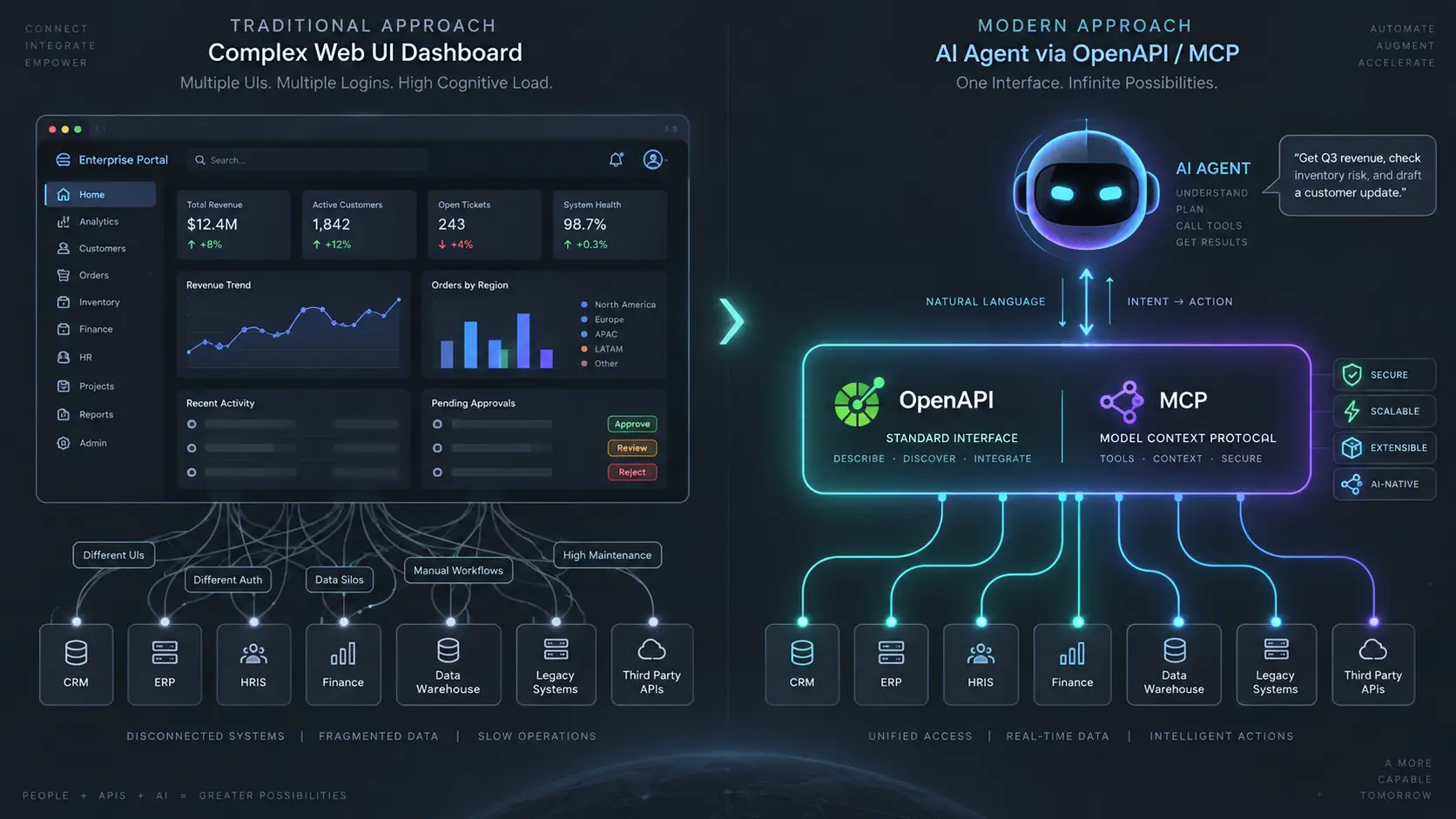
The Agent-Native API: Why OpenAPI & MCP Specs Are the New Enterprise UI
AI agents don't click through your web app — they call your endpoints. Here is why traditional REST APIs fail agents, and the four principles of an agent-native API layer.