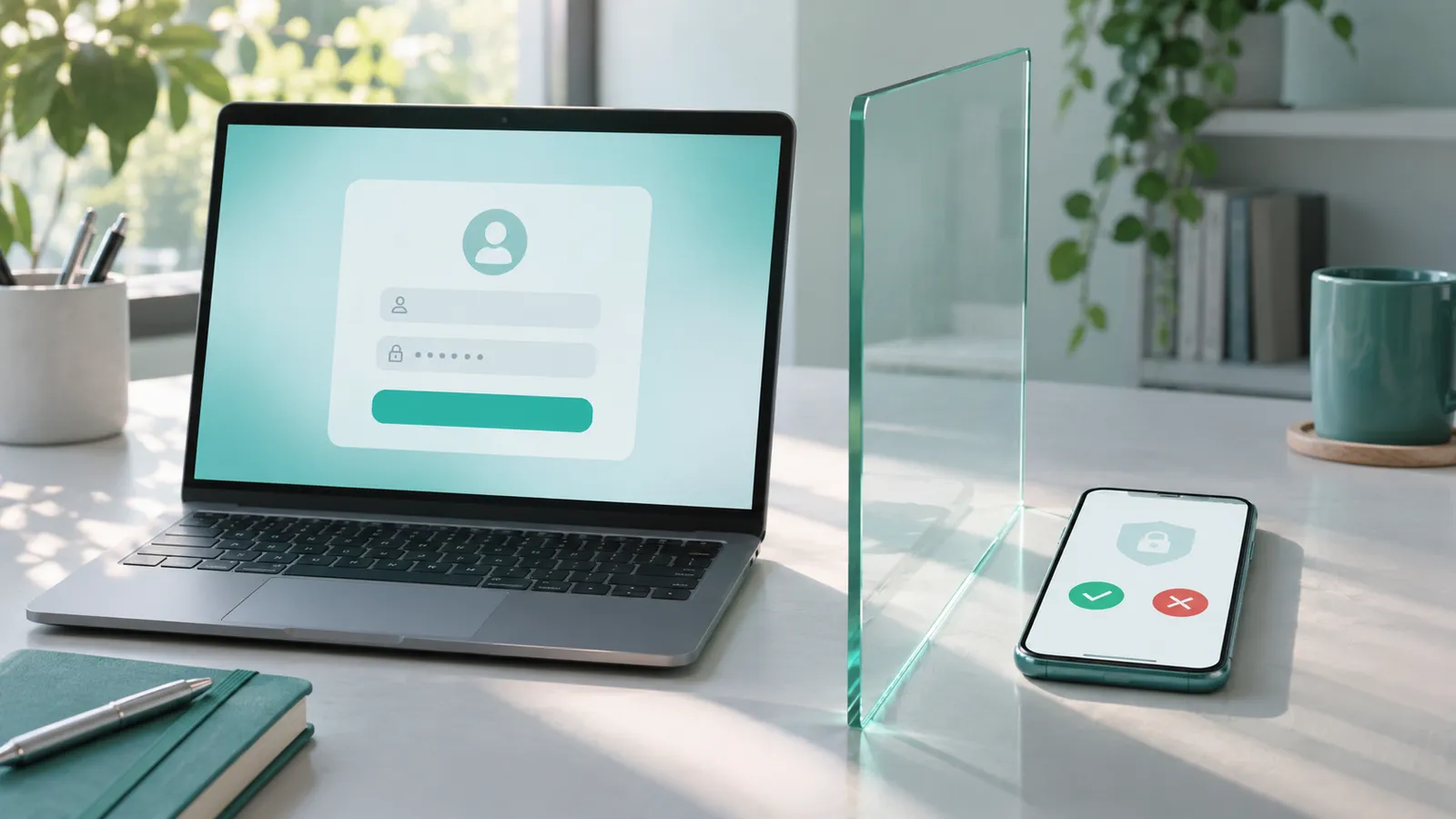
Tuesday, 8:50. Your office manager opens an email that says a client has shared a document with her. She clicks, a Microsoft sign-in page appears, she types her password, and her phone asks her to approve the sign-in. She approves it. The page says the file has expired. She shrugs and gets on with her day.
Nothing about that felt wrong. The sign-in page looked right. The code on her phone was real. That's the point.
By 9:05, someone else is reading her inbox.
What happened in those fifteen minutes
The page she typed into wasn't Microsoft's. It was a fake that sat between her and the real Microsoft, passing everything along in both directions:
- She typed her password into the fake page. It sent the password to the real site.
- The real site asked for her two-step check, so her phone lit up. That part was genuine.
- She approved it. The real site said "welcome" and handed over a session, the thing that keeps you logged in.
- The fake page kept that session for itself and showed her an error.
Microsoft, describing a kit called Tycoon2FA, puts it simply: once the user completed the check, "the attacker captured the session cookie and gained real-time access". Microsoft, March 2026.
So the two-step code didn't fail. It was used. Against her.
This is a product, not a hacker in a hoodie
You don't need to be clever to run one of these. They're rented, like any other software. Microsoft says Tycoon2FA was sending "tens of millions of phishing messages reaching over 500,000 organizations each month" before Microsoft and Europol disrupted it on 4 March 2026.
And taking one down doesn't end it. Okta counted 330 domains pulled in that takedown, then watched new ones appear "within one to two days", with detections going up in the weeks that followed. Okta, May 2026.
AI makes the bait better too: the email in front of your office manager doesn't have typos any more. We've written about that side in The Invoice Looks Perfect.
Why passkeys stop it
A passkey is a login that lives on your phone or laptop and is unlocked with your face, fingerprint or PIN. There's no code to type and no password to steal.
The useful part for a small business: a passkey is tied to the real website's address. On a look-alike page, your phone simply has nothing to offer. There's nothing for the fake page to pass along, and your staff don't have to spot the fake for it to fail.
That's why the people who see these attacks every day all point the same way. Microsoft recommends "passwordless, phishing-resistant MFA methods" including passkeys. Okta calls phishing-resistant sign-in, including passkeys, "the prevailing defense". And in April 2026 the UK's National Cyber Security Centre said "passkeys should now be consumers' first choice of login", adding that passwords with one-time codes remain "inherently phishable". (CSO Online, 23 April 2026).
Which accounts first
You don't have to do everything this week. Do them in this order, because each one protects the ones below it:
| Order | Account | Why it comes here |
|---|---|---|
| 1 | Email (Microsoft 365, Google Workspace, or whatever you use) | Every other "forgot password" link goes to it. Whoever has your email can reset almost everything else. |
| 2 | Bank and payment accounts (online banking, Stripe, PayPal) | Where the money is. If your bank offers passkeys or approval in its app, use the strongest option it has. |
| 3 | Accounting software and the shared drive | Client files, invoices and bank details. The things your clients trust you with. |
| 4 | Social media, website and domain account | Losing these is embarrassing and slow to fix, and a hijacked page can be used to scam your own customers. |
The half-hour switch
For the owner, one sitting:
- Your own email first. In your Microsoft or Google account's security settings, look for "Passkeys" (Google lists it under Passkeys and security keys) and add one on your phone. Keep your old method as a backup for now.
- Check it works. Sign out, sign back in with the passkey. If it asks for a password instead, look for "use a passkey" or "other ways to sign in".
- Write down the recovery route. Where are the backup codes? Who can reset your account if you lose your phone? Put the answer somewhere that isn't the email account itself.
- Then the team, one person at a time. Sit with each person for five minutes and add theirs. People do this when you're next to them, and put it off when it's an email.
- If you run Microsoft 365 or Google Workspace for the whole team, the admin settings can make passkeys or security keys the expected way to sign in. Do it once everyone has one, not before, or you'll lock people out.
Some older tools won't support passkeys yet. For those, a password manager (which won't fill your password into a fake address) plus a two-step code is still far better than a password alone. That's the NCSC's advice too.
Three habits for the whole team
Passkeys cover the accounts that support them. These cover the rest:
- Go in through the front door. If an email says "you've got a shared file" or "your password expires", don't click. Open the app or your bookmark and check from there.
- A sign-in you didn't start is a stop sign. If your phone asks you to approve a login and you weren't logging in, tap deny, and tell someone.
- "The file has expired" after you've signed in is a red flag. Say so straight away. Nobody gets in trouble for reporting it, and the first ten minutes are when it's easiest to fix.
If someone already typed it in
Don't wait to be sure. Change that account's password, then use "sign out of all sessions" (or "sign out everywhere") in the account's security settings, because changing the password alone may not throw out a stolen session. Check the mailbox for new forwarding rules or filters you didn't make, which is how attackers quietly keep reading. Tell your clients if invoices or bank details might have gone out from that inbox. And if money is involved, call your bank first, before anything else.
If you'd like a hand
Most small teams can do the switch above on their own. If you'd rather not, our Claude / ChatGPT Team Set-up sets your business AI accounts up properly, and our Team Workshop ($750 online) covers safe AI use at work, including these scams. Or start with the AI Check-up: $149, credited if you go further, and you leave with a one-page plan. We train and set things up; we don't sell security software or promise you'll never be targeted.
Not sure where AI would save your business time?
A 60-minute call and a one-page plan naming the 3 jobs in your business worth automating first. Taken off the price of any build booked within 30 days.
Related Articles
If "You" Rang Your Office Asking for Money, Would They Hang Up?
AI can copy a boss's voice well enough to fool the people who work with them every day. Why the fix isn't a better ear but a promise from the owner, the five-line rule to give your team, and how to test it in ten minutes.
The Invoice Looks Perfect. That's the Problem.
AI has removed the spelling mistakes and odd phrasing that used to give scam emails away. What the FBI's latest figures show, and the simple office habits that protect a small business when a fake invoice, email or voice message looks completely real.
Your Client's New Contract Has an AI Clause. Read It Before You Sign.
Brands are adding AI rules to agency and consultancy contracts: tell us which tools you use, keep a human in charge, hand over what you can't legally own. A plain guide for small agencies on which lines to sign, which to discuss, and which to push back on.