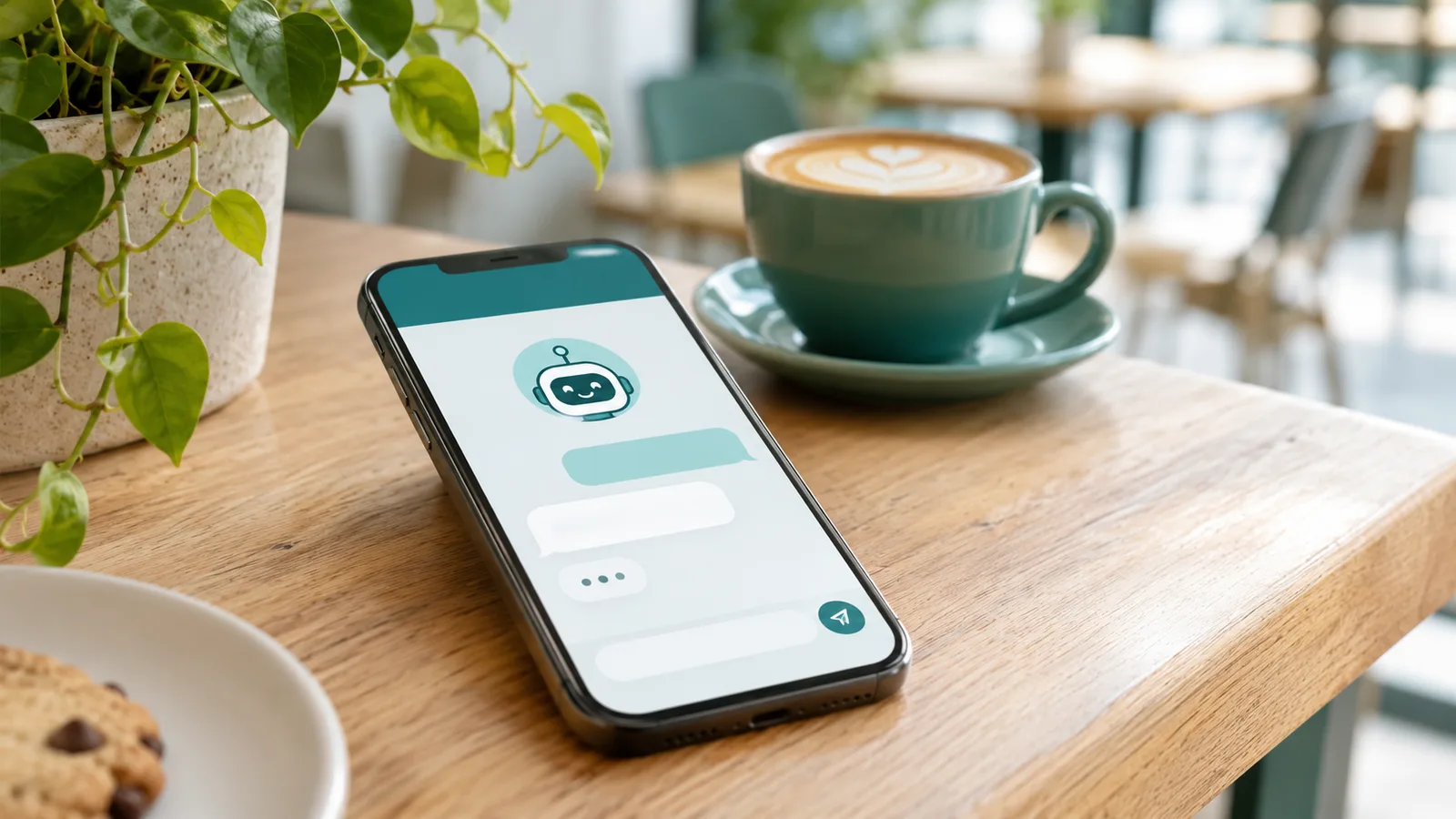
Short answer: yes. If your website has a chat assistant, or an AI voice picks up your phone, the person on the other end should be told, right at the start, that they're talking to an AI.
In the EU that's now a legal rule, not just good manners. Outside the EU it's still the honest thing to do, and customers trust a business more when it doesn't pretend.
Here's what the rule says, who it falls on, and the wording you can use.
What the rule actually says
The EU AI Act's Article 50 deals with transparency. Its first part says AI systems that talk directly with people must be designed so those people are informed they're interacting with an AI, unless that's obvious. It applies from 2 August 2026, according to the European Commission.
You may have read that the EU delayed its AI rules. It did delay some: the "Digital Omnibus" moved the rules for high-risk AI (things like hiring and credit decisions) to December 2027. The chatbot notice wasn't delayed; law firms such as Gibson Dunn noted the transparency duties were left on the original date.
The Commission has also published guidelines on how to do it. As McCann FitzGerald's summary explains them:
- When: no later than the first interaction. A single, prominent notice before the chat starts will usually do.
- How: text, sound or an icon are all fine, as long as people actually notice it.
- Not good enough: a line buried in your terms and conditions, or a vague hint.
- If asked: the assistant should say it's an AI whenever someone asks.
- "Obvious" is narrow. Don't rely on people guessing. A friendly name and a photo of a smiling person make it less obvious, not more.
Whose job is it?
The duty to build the notice in sits mainly with the provider: the company that makes the chatbot, or that has one built and offers it under its own name. If a developer made your assistant and it runs as "[Your Business] Assistant", the provider may well be you.
If you use a ready-made tool from a software company, much of the duty is theirs. But it's still your customers who see the chat, and your name on the page. So treat it as your job to check.
Wording you can paste in
Keep it short and put it first.
Chat widget, opening message:
Hi, I'm [Business]'s AI assistant. I can answer questions about [opening hours, prices, bookings]. For anything else, I'll pass you to a person.
Chat widget, the label next to the name: "AI assistant", not just a first name.
AI voice on the phone, first sentence:
Hello, you're speaking to [Business]'s AI assistant. I can take a message or book you in. Say "person" at any time to leave a message for the team.
If the call is recorded, add: "This call is recorded." Call recording is a separate question under data protection and national rules, so check what applies where you are.
When someone asks "Am I talking to a real person?": the answer is always "No, I'm an AI assistant", followed by how to reach a human.
What doesn't need a label
Not every use of AI needs a notice.
- Emails and posts a person checks. The duty to label AI-written text covers text published to inform the public on matters of public interest, and it doesn't apply when a person has genuinely reviewed it and takes responsibility for it (McCann FitzGerald, part 2). An AI-drafted email you read and send yourself is your email.
- Internal tools. An assistant only your staff use isn't talking to the public. (Your team should still know it's AI and what not to put in it; see our one-page AI policy.)
One thing that does need a label, even in an advert: images, audio or video made with AI that make a real person, place or event look real (what the law calls a deepfake). An AI voice that sounds like a real person, an invented "customer" video, or a faked photo of your shop all need a clear label. For obviously creative or funny work, the label can be lighter, but it still has to be there.
A five-minute check
- Open your own website on your phone and start a chat. Is "AI" in the first thing you see?
- Ask it: "Are you a real person?" It should say no, and offer a human.
- Call your own number if an AI answers it. Does the first sentence say so?
- Look at the name and picture on the chat. If it's a human name and a human face, change it.
- Write down the date you checked. If anyone ever asks, you have a record.
We're not lawyers and this isn't legal advice. If your AI gives health, money or legal guidance, or talks to children, get proper advice; the guidelines expect more care there.
If you're about to add one
A chat assistant or phone assistant can save a small business real time, as long as it's honest about what it is and hands over to a person when it should. When we set one up for a client, the AI notice, the "talk to a person" route and the check above are part of the build, not an extra.
If you're not sure whether a chatbot is worth it for your business at all, start with the AI Check-up: one call, and a plain one-page answer. Or send us a question.
Not sure where AI would save your business time?
A 60-minute call and a one-page plan naming the 3 jobs in your business worth automating first. Taken off the price of any build booked within 30 days.
Related Articles

A One-Page AI Policy for a Small Team (Copy It, Then Change It)
Your staff are probably already using ChatGPT, Gemini or Claude for work, often on personal accounts. A short, plain AI policy a small business can copy today, what each line is for, and what the EU AI Act's 'AI literacy' rule actually asks of a small firm.

The Invoice Looks Perfect. That's the Problem.
AI has removed the spelling mistakes and odd phrasing that used to give scam emails away. What the FBI's latest figures show, and the simple office habits that protect a small business when a fake invoice, email or voice message looks completely real.

AI Agent Observability: Monitoring Autonomous Systems in Production
AI agents run autonomously in production—but most enterprises can't see what they're doing. Here's how to build observability before regulators demand it.