A year ago, everyone was told the same story: open a browser tab, type a clever prompt, and watch AI give you 20 hours of your week back.
If you run a small business, manage a team, or work for yourself, you already know what actually happened:
You opened the tab. You pasted an email or a report. You asked for a rewrite. The AI gave you four paragraphs of generic corporate jargon filled with words like "delve," "testament," and "seamlessly." You asked it to make it shorter. It rewrote the entire thing, dropped the numbers you asked it to keep, and introduced two formatting errors.
Then you spent ten minutes cleaning it up, copying it out of the browser, and pasting it back into your document.
That isn't automation. That's just unpaid manual labor with extra steps.
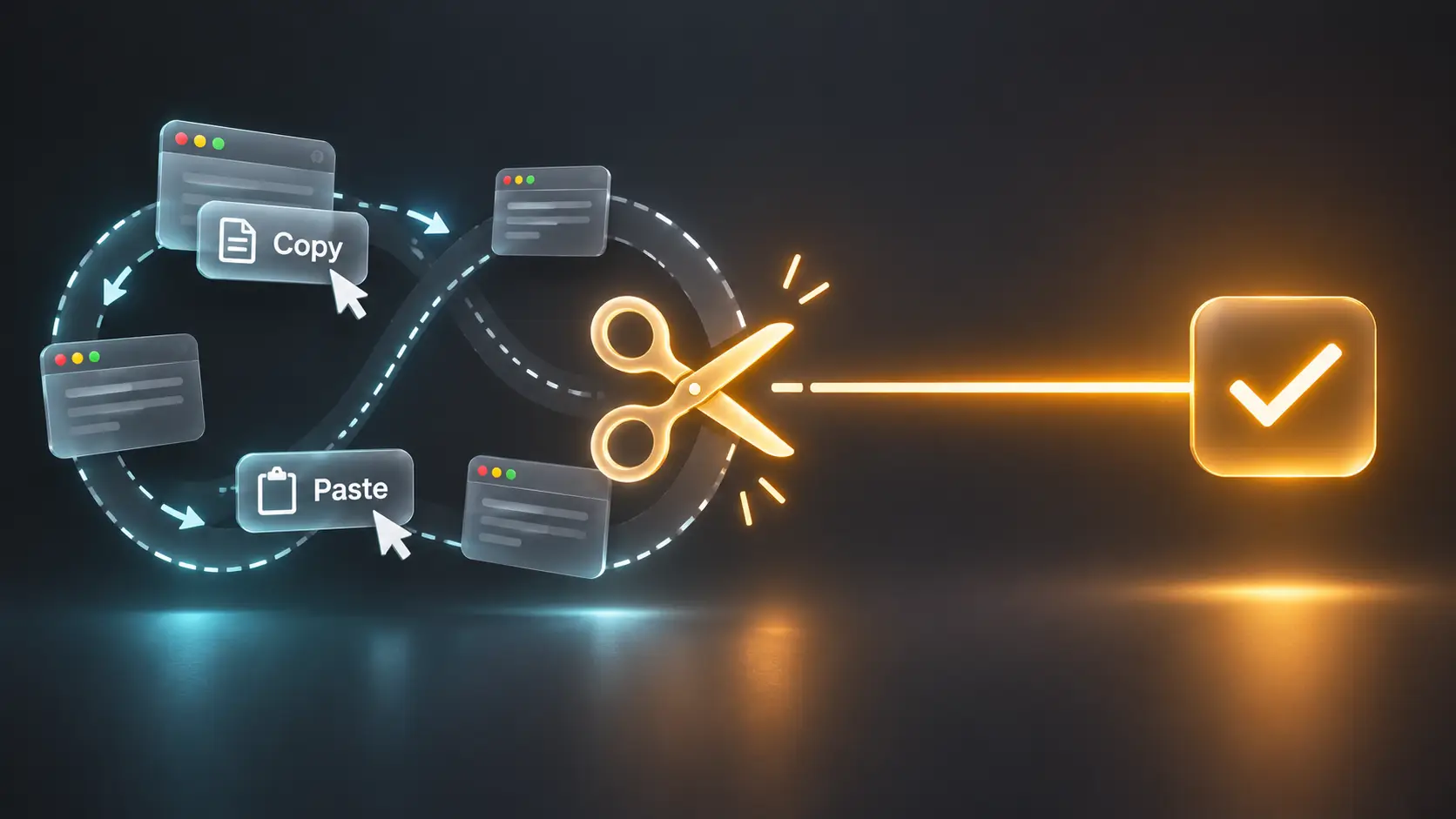
At Cynked, we call this the Copy-Paste Tax, and in late 2026 it is the single biggest reason people feel exhausted by tools that were supposed to give them their freedom back.
Here is why it's happening, what has actually shifted, and how you can stop slaving to your chat tabs this week.
1. The Illusion of the "Magic Chatbot"
Most people still interact with AI the way they used search engines in 2005: as an external destination you visit.
When you treat AI as an isolated chat tab:
- You lose your context. Every time you start a new conversation, the model knows nothing about your clients, your tone, or your constraints unless you spend five minutes feeding it background.
- You suffer whole-document destruction. When you ask a chat window to fix paragraph three, it regenerates the whole document. You then have to re-read everything to check it didn't silently invent a date or erase a key clause.
- You waste your focus on logistics. Switching between six browser tabs to draft a single client proposal fragments your attention.
The dirty secret of "prompt engineering" is that most of what influencers sell as prompting hacks are workarounds for one problem: the AI is in the wrong place.
2. The Shift: Stop Chatting, Start Editing In Place
The biggest change over the last few months hasn't been a smarter chatbot or a bigger benchmark score. It's that AI finally moved inside the tools you already use.
If you are still copying text out of your work and into a blank chat box, you are working with an outdated mental model. Here is what a friction-free workflow looks like now.
A. Highlight and Replace
Instead of handing over your whole project, you only touch what is broken.
In Claude's artifacts and canvas-style editors, you don't ask the model to rewrite your document. You select the two awkward sentences, say what's wrong with them, and it changes just those sentences in place. Your formatting stays intact, and your approved sections never get touched.
B. Right-Click Writing Tools Built Into Your Computer
With system-level AI such as Apple Intelligence Writing Tools (macOS Sequoia 15.1 and later), you don't need a browser window open at all.
Select an email draft in Mail, Control-click → Writing Tools → Concise, and the copy is rewritten where it sits. No pasting into a website, no extra subscription, no tab switching.
C. Persistent Project Knowledge (The "Never Re-Explain" Rule)
If you paste your company background or brand guidelines more than once a week, you are doing it the hard way.
Set up a dedicated Project in Claude or ChatGPT and put your rules in a single Rules.md file: who you are, who you write for, and which words are banned. Every conversation in that Project starts already knowing it.
3. The 3-Rule Audit for Your Workday Tomorrow
We believe AI should give you more time for your actual life, not turn you into a full-time prompt supervisor.
Tomorrow morning, put every AI task through these three questions:
| The Test | What to Ask Yourself | What to Do Instead |
|---|---|---|
| 1. The Boundary Test | Am I asking it to rewrite something that is mostly fine? | Highlight only the sentence or paragraph that fails. Never let AI regenerate what you've already approved. |
| 2. The Repetition Test | Have I typed this background instruction twice this week? | Move it out of the prompt and into your Project knowledge or Custom Instructions. |
| 3. The Output Test | Does this output give me a finished asset, or homework? | If the model hands you a 20-bullet wall of text, don't read it. Ask for: "An action card: 3 decisions, 3 owners, plain bullet points." |
The Bottom Line
AI was never supposed to be an extra employee you babysit all day. It was supposed to take the friction out of turning your ideas into finished work, so you can close your laptop on time.
Stop visiting AI like a tourist in a browser tab. Put it inside your documents, fence it to the exact sentences that need help, and take your hours back.
Want AI built into the way your team already works? See what we set up for small businesses, or get in touch.
Need a scalable stack for your business?
Cynked designs cloud-first, modular architectures that grow with you.
Related Articles

Your Wrist Is Smarter Than You Think: AI on the Galaxy Watch 8 Classic
Galaxy AI and Google Gemini are built into the Samsung Galaxy Watch 8 Classic, but most owners barely scratch the surface. Here is what is live now, what One UI 9 Watch adds, and how to actually use it.

How to Test AI Agents Before They Reach Production (2026)
Quality is the #1 barrier to AI agent deployment in 2026. Learn how to build evaluation pipelines, pick the right evals platform, and ship agents that actually work.

Agent Washing in 2026: How to Spot Fake AI Agents Before You Buy
Gartner says only ~130 of thousands of vendors selling 'AI agents' are genuinely agentic. Use this 7-point evaluation framework to avoid agent-washing traps.