

Introduction
You have heard the pitch: AI can transform your business. But when you look at your own operations, the question is not whether AI can help — it is where it should help first.
Not every process is ready for AI. Some are perfect candidates. Others need groundwork before automation makes sense. Knowing the difference saves you months of wasted effort and thousands in misallocated budget.
This guide gives you a practical framework for identifying which parts of your business are genuinely ready for AI — and which ones need more time.
The AI-Readiness Checklist
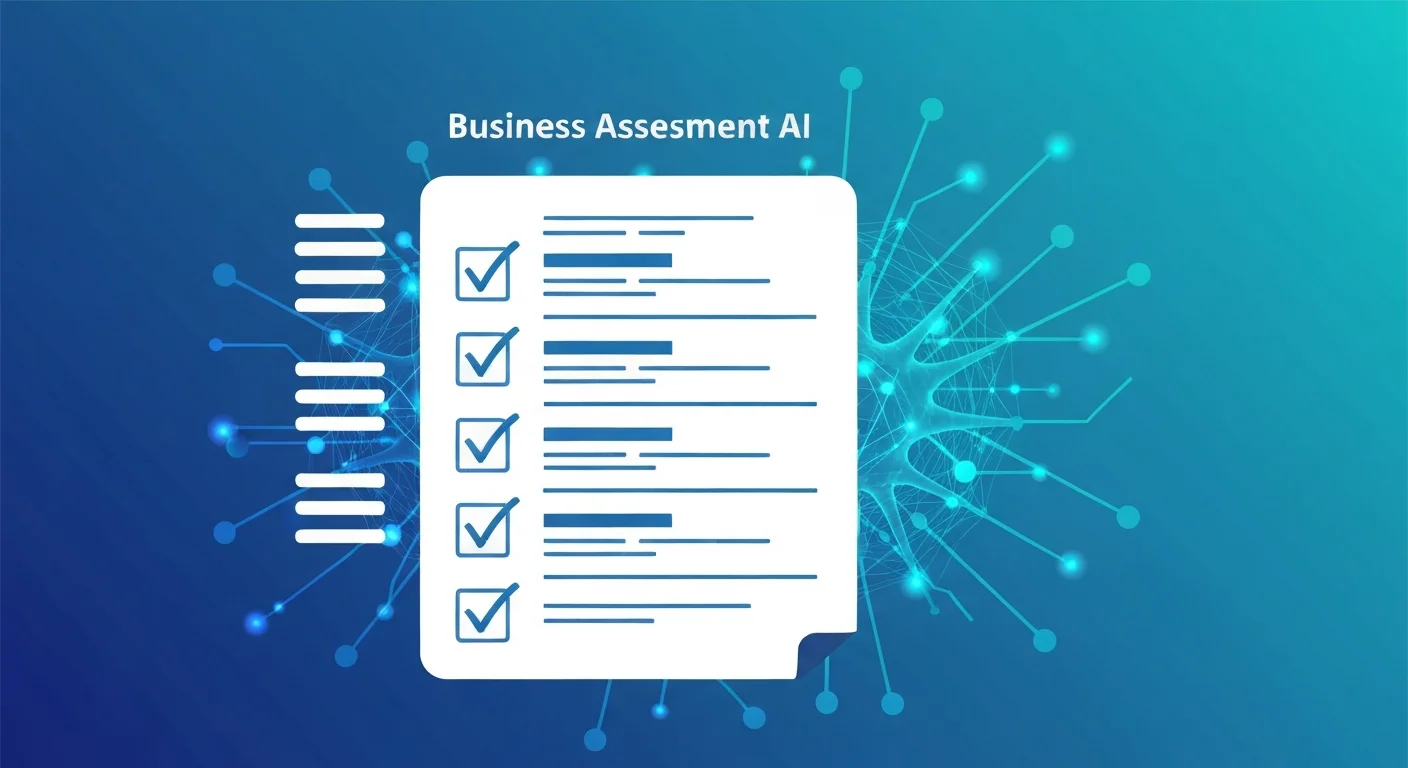
Before diving into specific departments, here are the four characteristics that signal a process is ripe for AI:
1. It Is Repetitive
If your team performs the same task dozens or hundreds of times per week with minimal variation, AI can likely handle it. Think data entry, invoice processing, or responding to common customer inquiries.
2. It Is Rule-Based
Processes with clear decision logic — "if X, then Y" — are ideal. Loan approval criteria, lead scoring rules, and inventory reorder thresholds all follow patterns that AI can learn and execute reliably.
3. It Is High-Volume
AI delivers the most value when it handles scale. A task you do twice a month probably does not justify the investment. A task your team does 500 times a day almost certainly does.
4. It Is Data-Rich
AI needs data to learn from. If a process generates structured records — transactions, logs, tickets, form submissions — there is fuel for an AI system. If decisions happen in someone's head with no documentation, AI has nothing to work with.
Quick test: If a process checks at least three of these four boxes, it belongs on your shortlist.
Department-by-Department Walkthrough
Here is what to look for across your organization.
Sales
- Lead scoring and qualification: If your CRM has historical data on which leads converted, AI can predict which new leads deserve attention first.
- Email outreach personalization: AI can draft and customize follow-up sequences based on prospect behavior.
- Forecasting: Sales pipelines with consistent stage definitions produce data that AI can use to forecast revenue more accurately than spreadsheet models.
Look for: CRM data with at least 6–12 months of history and consistent data entry practices.
Marketing
- Content optimization: AI can analyze which topics, formats, and channels drive engagement, then recommend what to produce next.
- Ad spend allocation: Campaign performance data enables AI to shift budget toward what is working in near real-time.
- Customer segmentation: Purchase and engagement data can reveal segments your team has not identified manually.
Look for: Connected analytics platforms and consistent campaign tagging.
Operations
- Inventory management: Historical sales data combined with supplier lead times makes demand forecasting a strong AI use case.
- Quality control: If you collect inspection data or defect reports, AI can flag anomalies faster than manual review.
- Scheduling and routing: Delivery logistics, employee shift planning, and resource allocation all benefit from optimization algorithms.
Look for: Digital records of operational workflows rather than paper-based or ad hoc systems.
Finance
- Invoice processing: Extracting data from invoices, matching them to purchase orders, and flagging discrepancies is tedious, rule-based work that AI handles well.
- Expense categorization: AI can classify transactions automatically, reducing manual bookkeeping.
- Fraud detection: Transaction patterns that deviate from norms can be flagged in real time.
Look for: Clean financial records and well-defined approval workflows. For a structured plan to get your finance team AI-ready, see our guide on how to upskill your finance team with AI tools.
Human Resources
- Resume screening: If you receive high volumes of applications for similar roles, AI can surface the most relevant candidates based on historical hiring data.
- Employee onboarding: Repetitive onboarding tasks — document collection, access provisioning, training assignments — can be automated.
- Attrition prediction: HR data combined with engagement surveys can help predict which employees are at risk of leaving.
Look for: Structured applicant tracking data and consistent employee records.
The Data Question
Every AI initiative depends on data. But many businesses stall because they think their data is not good enough. Here is what "good enough" actually looks like:
- Consistent collection: Data is captured regularly, not sporadically. Weekly sales figures are more useful than quarterly summaries.
- Reasonable completeness: Some missing fields are fine. If 80% of your records are complete, that is workable. If 40% are, you need to fix your data collection first.
- Accessible format: Data stored in a database, a CRM, or even well-organized spreadsheets can be used. Data trapped in email threads, sticky notes, or someone's memory cannot.
- Sufficient volume: Most AI models need hundreds to thousands of examples to learn patterns. If your dataset has 50 records, it is probably too small.
You do not need perfect data. You need usable data. If you are unsure, start by auditing one process: pull the last six months of records and ask whether the data tells a coherent story.
Red Flags: Processes NOT Ready for AI
Not everything should be automated. Watch out for these warning signs:
Too Much Ambiguity
If a process requires interpreting vague or conflicting information — like resolving a nuanced customer complaint or negotiating a complex deal — AI will struggle. These tasks rely on judgment that current AI cannot replicate reliably.
No Clear Metrics
If you cannot define what success looks like for a process, you cannot measure whether AI is improving it. Before automating, establish clear KPIs: response time, error rate, throughput, cost per transaction.
Heavy Human Judgment
Creative strategy, relationship-driven decisions, and ethical judgment calls are areas where AI should assist, not replace. If the value of a process comes from human expertise and intuition, keep humans in the driver's seat.
Regulatory Sensitivity
Processes involving sensitive personal data or regulated decisions (lending, medical diagnosis, hiring) require extra caution. AI can support these areas, but you need clear governance, explainability, and compliance frameworks in place first.
Rule of thumb: If you cannot explain the decision rules to a new employee in 15 minutes, AI will have a hard time learning them too.
How to Prioritize: The Effort vs. Impact Matrix
Once you have identified several candidate processes, rank them using a simple 2×2 matrix:
| Low Effort | High Effort | |
|---|---|---|
| High Impact | Start here — these are your quick wins | Plan these as strategic projects |
| Low Impact | Automate later when resources allow | Avoid — the return does not justify the investment |
Effort includes data preparation, integration complexity, change management, and cost. Impact includes time saved, error reduction, revenue generated, and customer experience improvement.
Be honest in your assessment. A process might feel high-impact because it frustrates your team, but if it only takes two hours a week, the actual business impact of automating it is modest.
Scoring Example
For each candidate process, score effort and impact on a 1–5 scale:
- Invoice processing: Effort 2 (structured data, clear rules), Impact 4 (high volume, error-prone) → Quick win
- Strategic pricing: Effort 5 (complex variables, limited data), Impact 3 (meaningful but hard to measure) → Avoid for now
- Customer support triage: Effort 3 (needs training data, integration with helpdesk), Impact 5 (massive volume, faster response times) → Strategic project
Running a Pilot
Do not roll AI out across your entire operation at once. Start with a single process and prove the concept.
Step 1: Pick One Process
Choose a quick win from your prioritization matrix. It should be contained enough to test without disrupting the broader business.
Step 2: Define Success Criteria
Before you start, decide what success looks like. Examples: reduce processing time by 40%, cut error rate by half, handle 80% of incoming requests without human intervention.
Step 3: Run a Parallel Test
Keep the existing process running alongside the AI system for 4–8 weeks. Compare outputs directly. This protects you from failures and gives your team confidence in the results.
Step 4: Measure and Adjust
Review performance against your success criteria. If the AI system meets or exceeds targets, plan the full rollout. If it falls short, analyze why — the issue might be data quality, process definition, or tool selection rather than AI readiness.
Step 5: Scale Gradually
Expand to the next process on your list. Each successful pilot builds organizational confidence and internal expertise that makes the next implementation smoother.
Conclusion
AI readiness is not about having cutting-edge technology or a team of data scientists. It is about understanding your own operations well enough to know where structured, repeatable work is consuming time that could be spent on higher-value activities.
Start with the checklist. Walk through your departments. Be honest about your data. Prioritize ruthlessly. And prove the concept with a focused pilot before scaling.
The businesses that succeed with AI are not the ones that adopt it everywhere at once — they are the ones that start in the right place. Once you have identified the right processes, the next step is choosing the right technical approach — our guide to RAG vs fine-tuning can help you make that architectural decision.
Not sure where to start? Get in touch with our team for a free AI-readiness assessment tailored to your business.
Further reading: Once you have identified a ready process, you will face a build-vs-buy decision on the AI layer itself. FreeAcademy's guide on no-code AI tools vs coding your own AI app: which approach is right for you walks through that decision. And for businesses thinking about how their own content and data will surface inside AI answers, their micro-courses on making your content citable by AI and Google AdSense Mastery are useful extensions once the initial automation is in place.
Need a scalable stack for your business?
Cynked designs cloud-first, modular architectures that grow with you.
Related Articles
How to Run an AI Readiness Assessment (Step-by-Step)
Learn how to run an AI readiness assessment in five steps. Discover which processes are ripe for automation and where your organisation is most likely to see fast ROI.

Big Tech Is Cutting Jobs While Betting Billions on AI Infrastructure
Oracle laid off 30,000 workers while investing billions in AI data centers. Here's what this labor-versus-infrastructure shift means for your business strategy.

The Hidden Costs of NOT Adopting AI in 2026
Discover the real price of delaying AI adoption — from widening productivity gaps to losing top talent. Learn why starting small today beats waiting for tomorrow.